[Easy Method] How to send SMS for contacts that don't have iMessage a normal GHL text using Tuco AI Settings
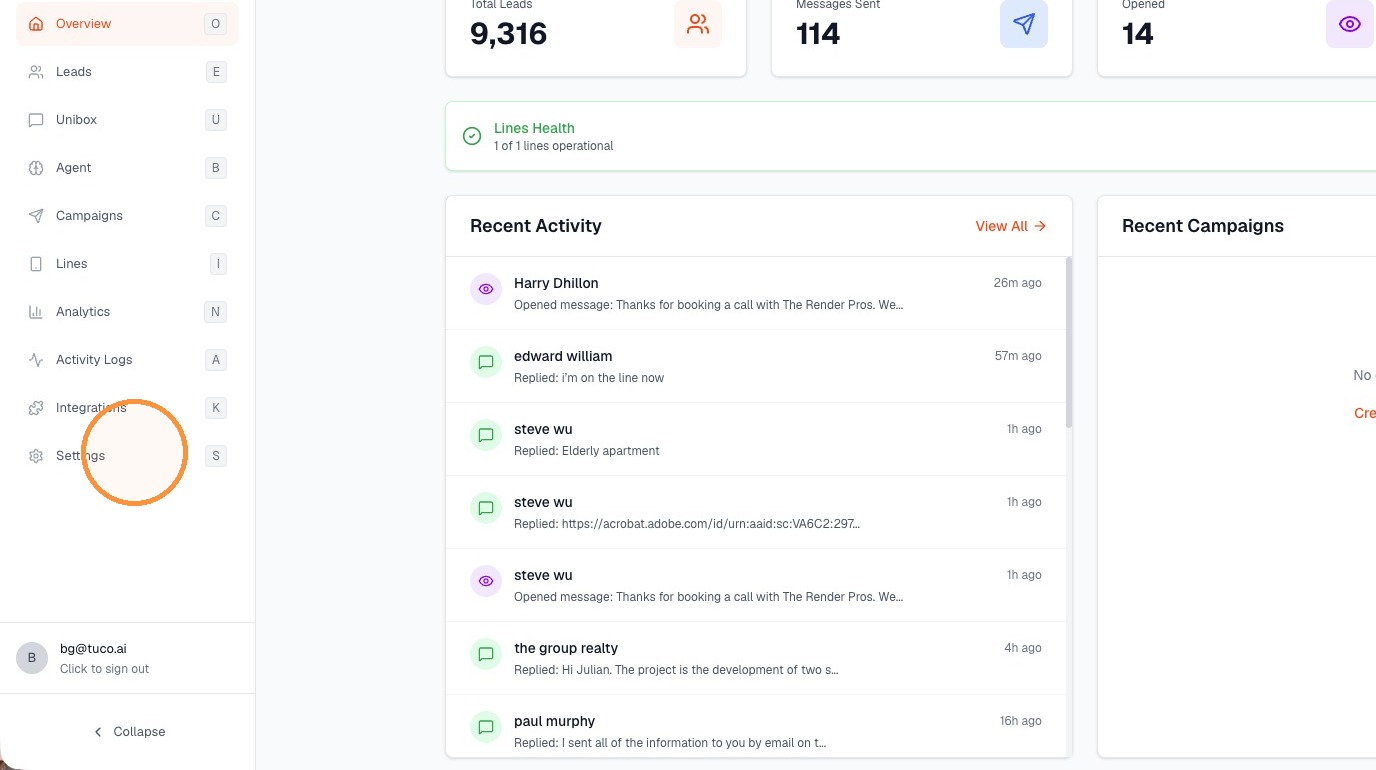
- Click "Settings"
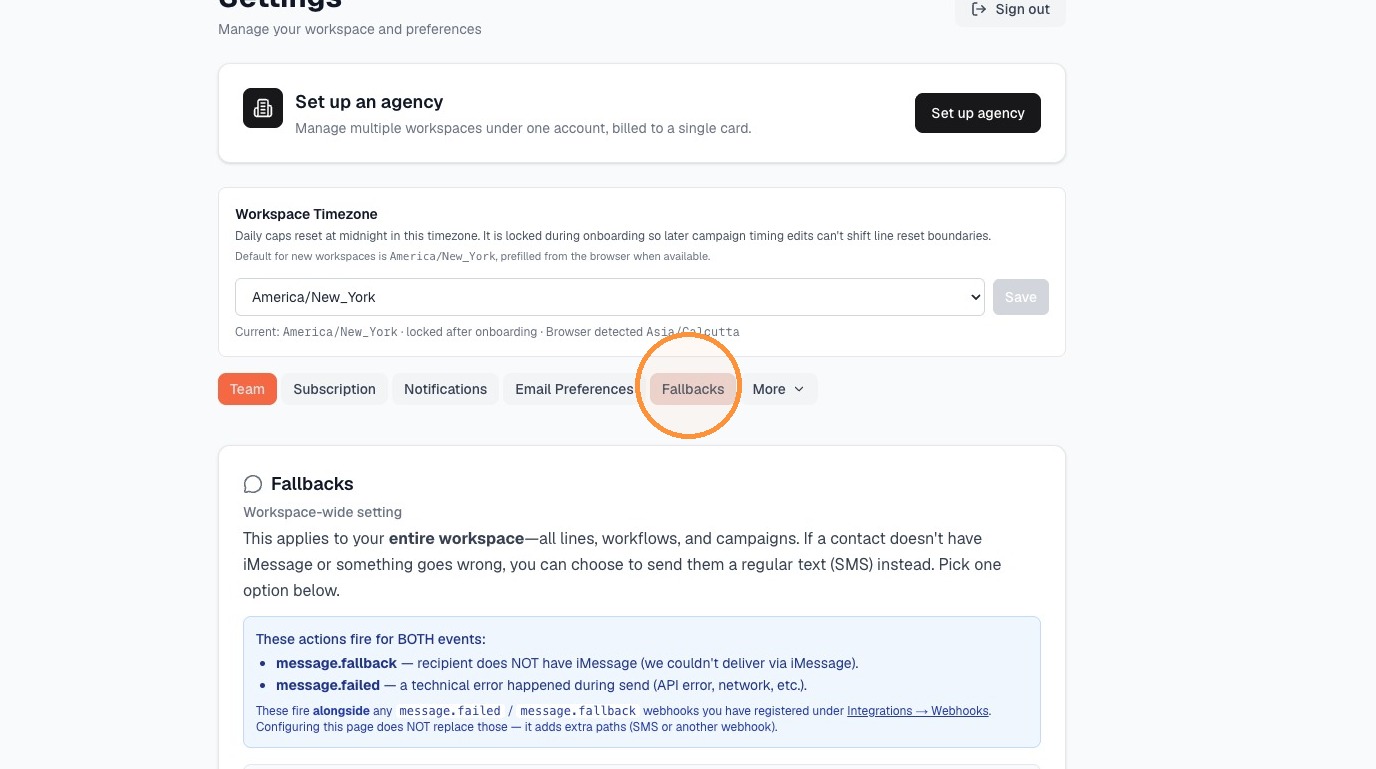
- Select "Fallbacks" tab
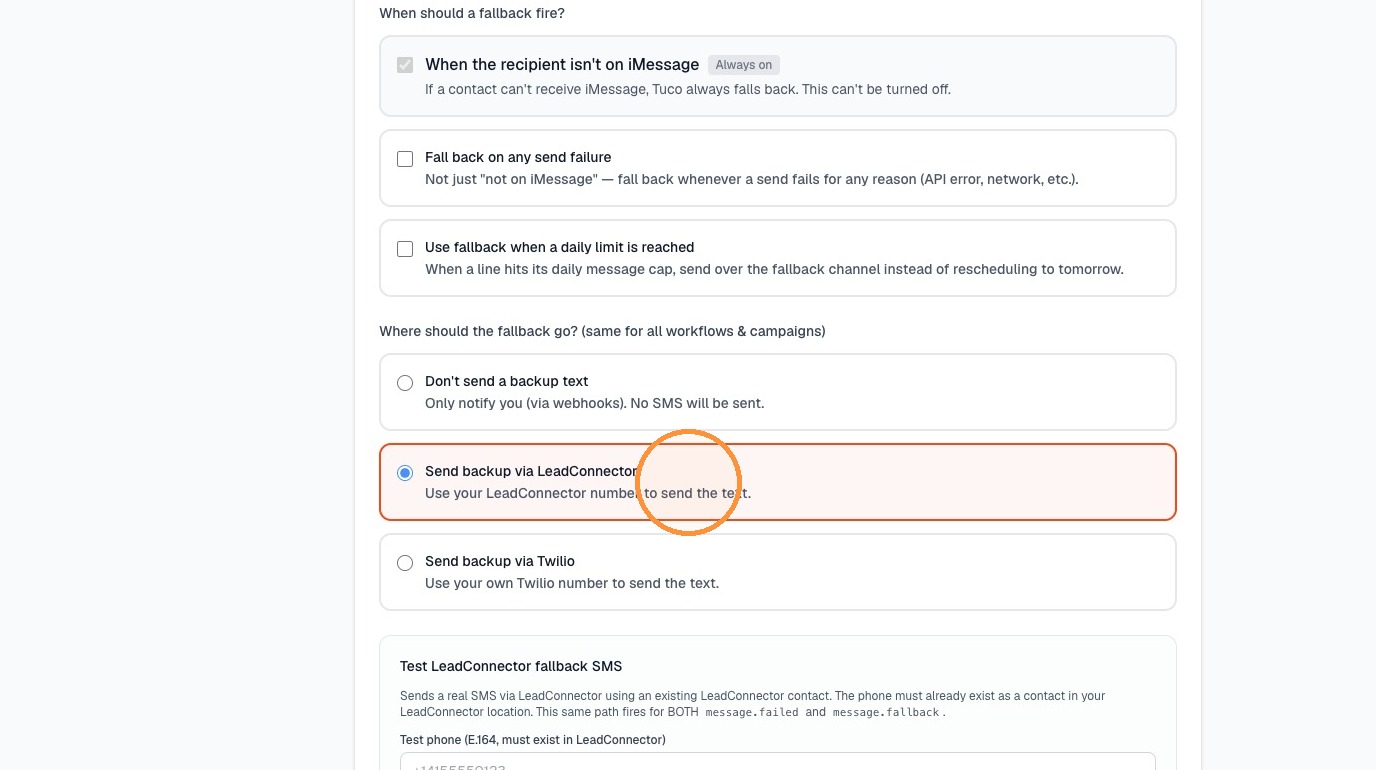
- Select "Send backup via LeadConnector"
- Type "+13022373594" into "Test phone" field
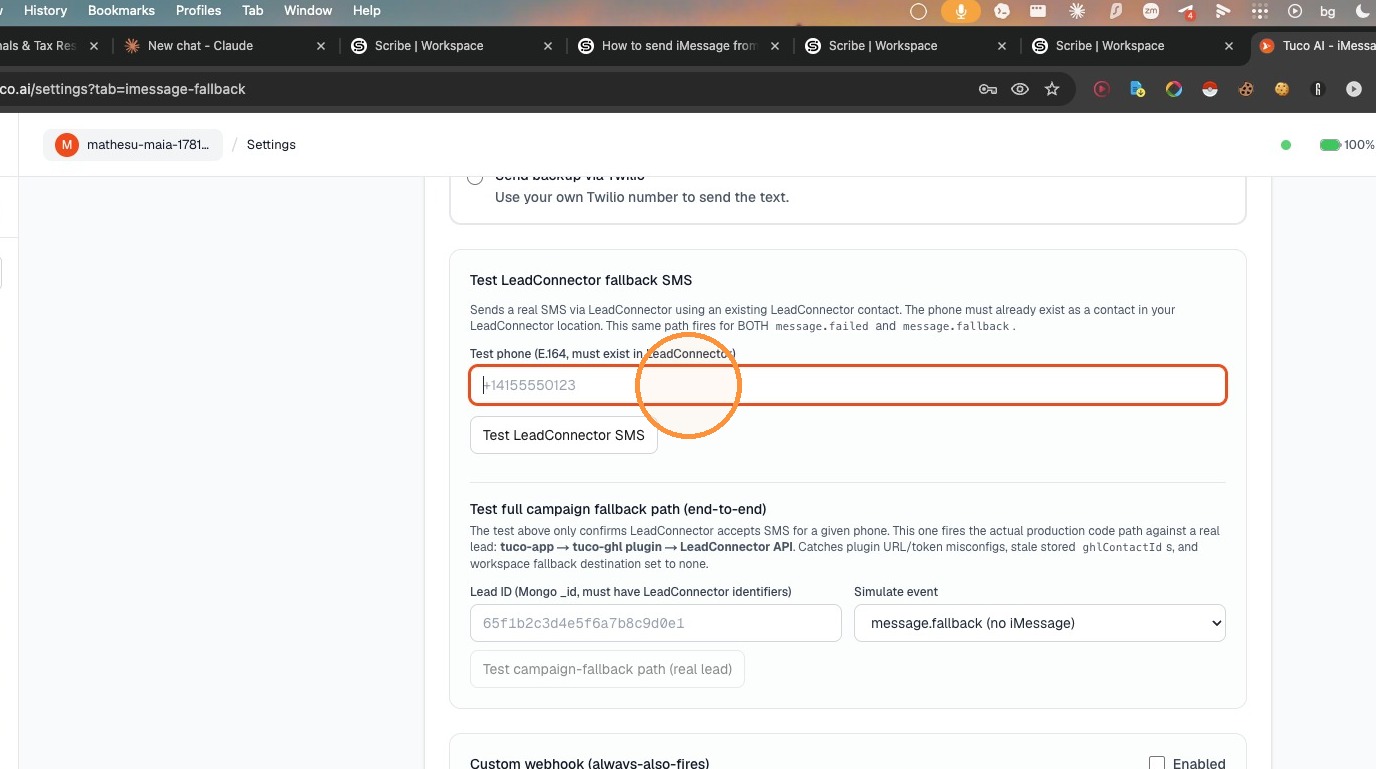
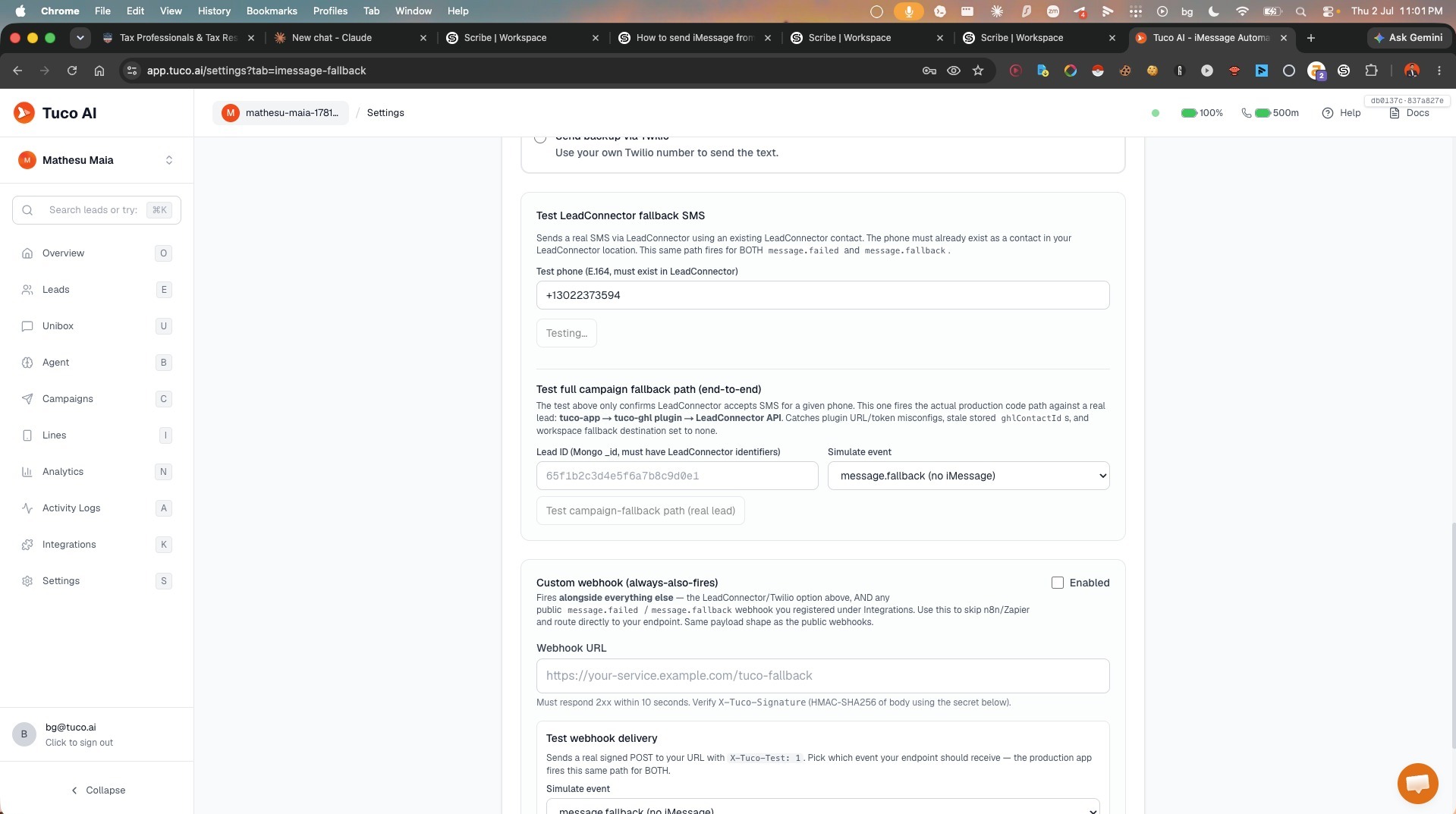
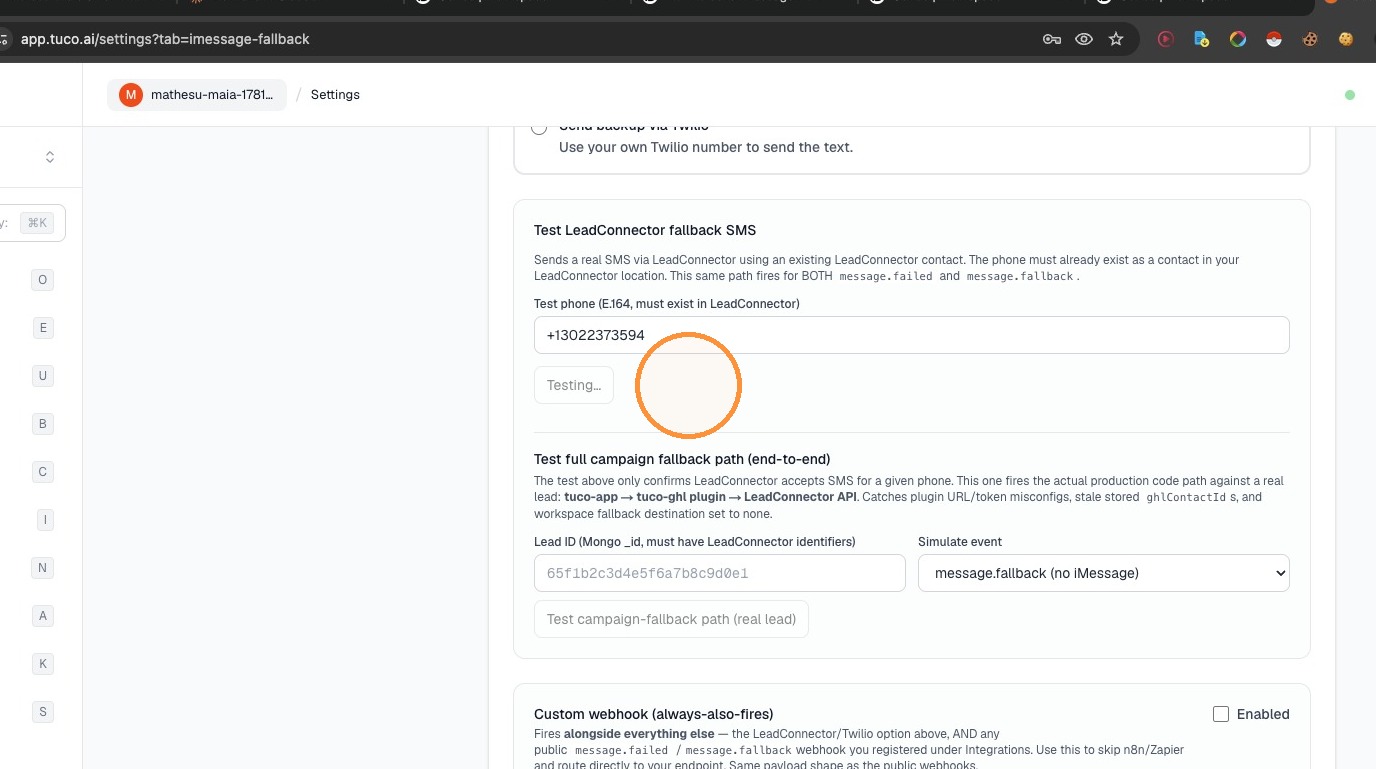
- Click "Test LeadConnector SMS"
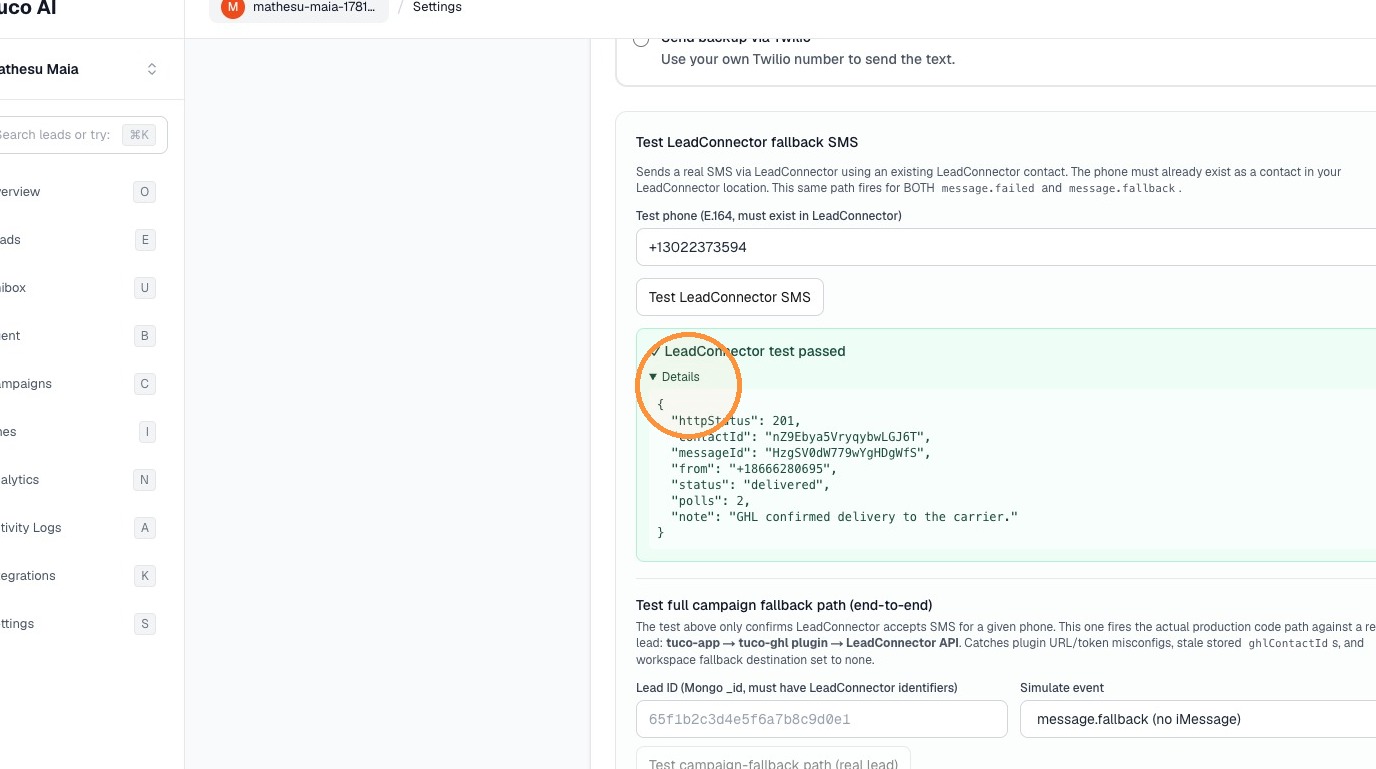
- Click "Details" to view results
Made by Tuco Support with Scribe
Learn how to update your fallback settings to ensure reliable communication. This guide walks you through the steps to input a new fallback phone number in your account configuration.
Updated on: 14/07/2026
Thank you!