How to setup an agency account with Tuco AI
How to Set Up an Agency Account in Tuco AI
- Navigate to https://app.tuco.ai/
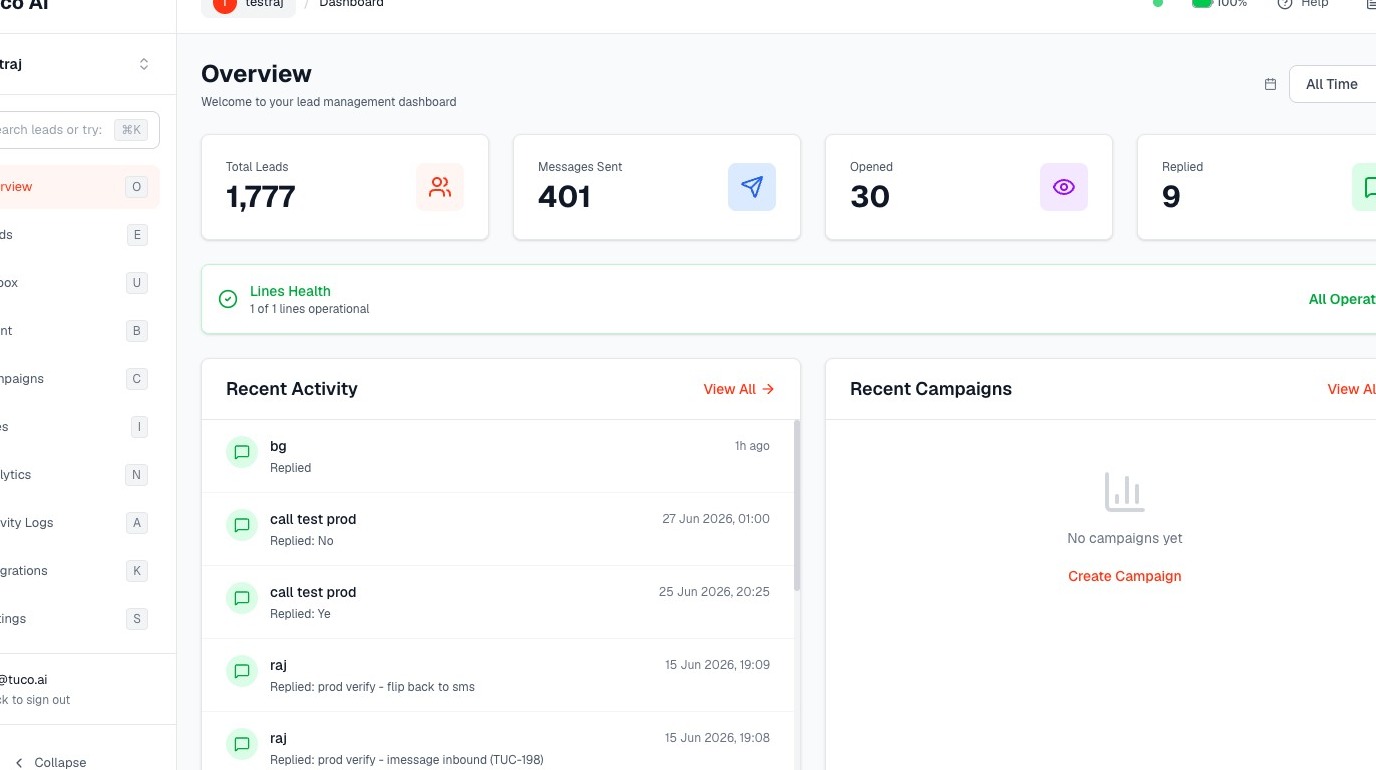
- Click "Settings" in sidebar menu.
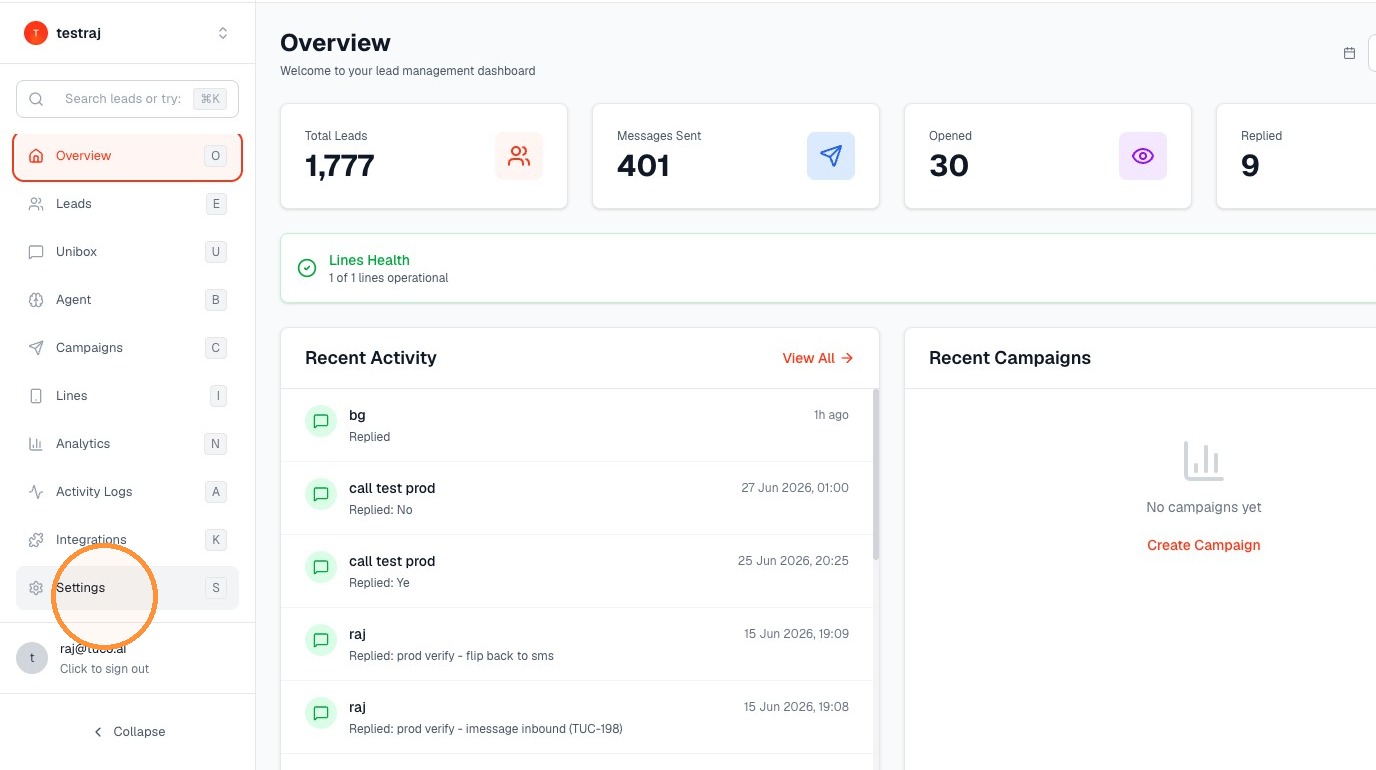
Agency Setup Initiation
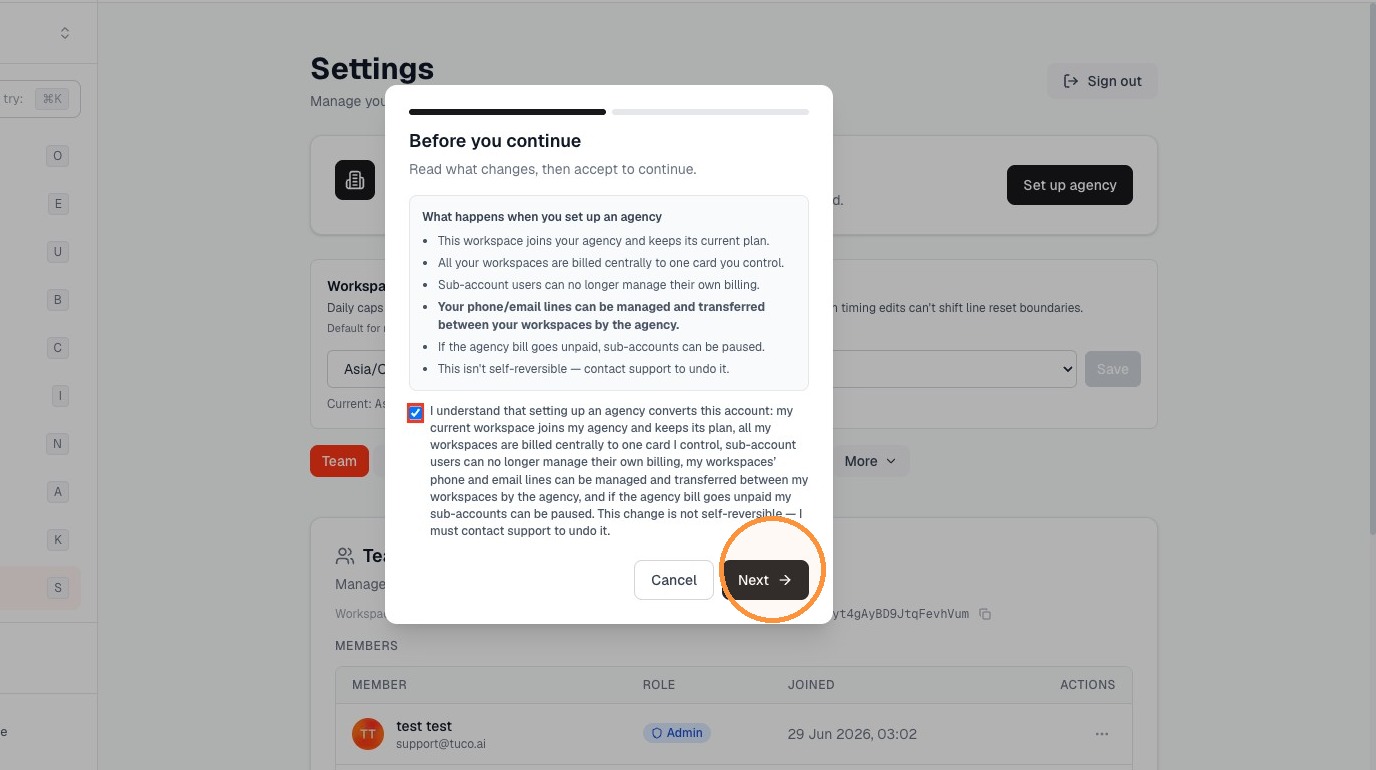
- Click "Set up agency"
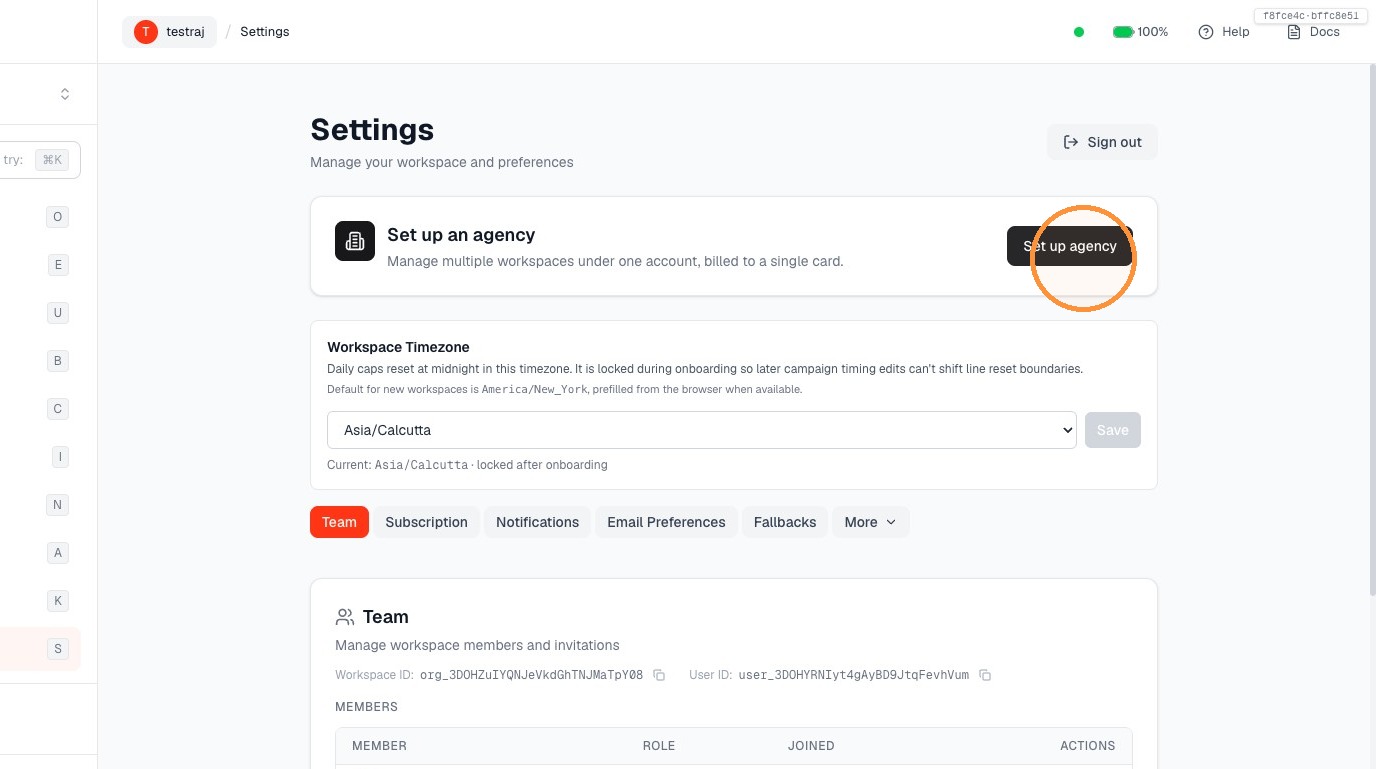
- Check the box to acknowledge terms and conditions for setting up an agency.
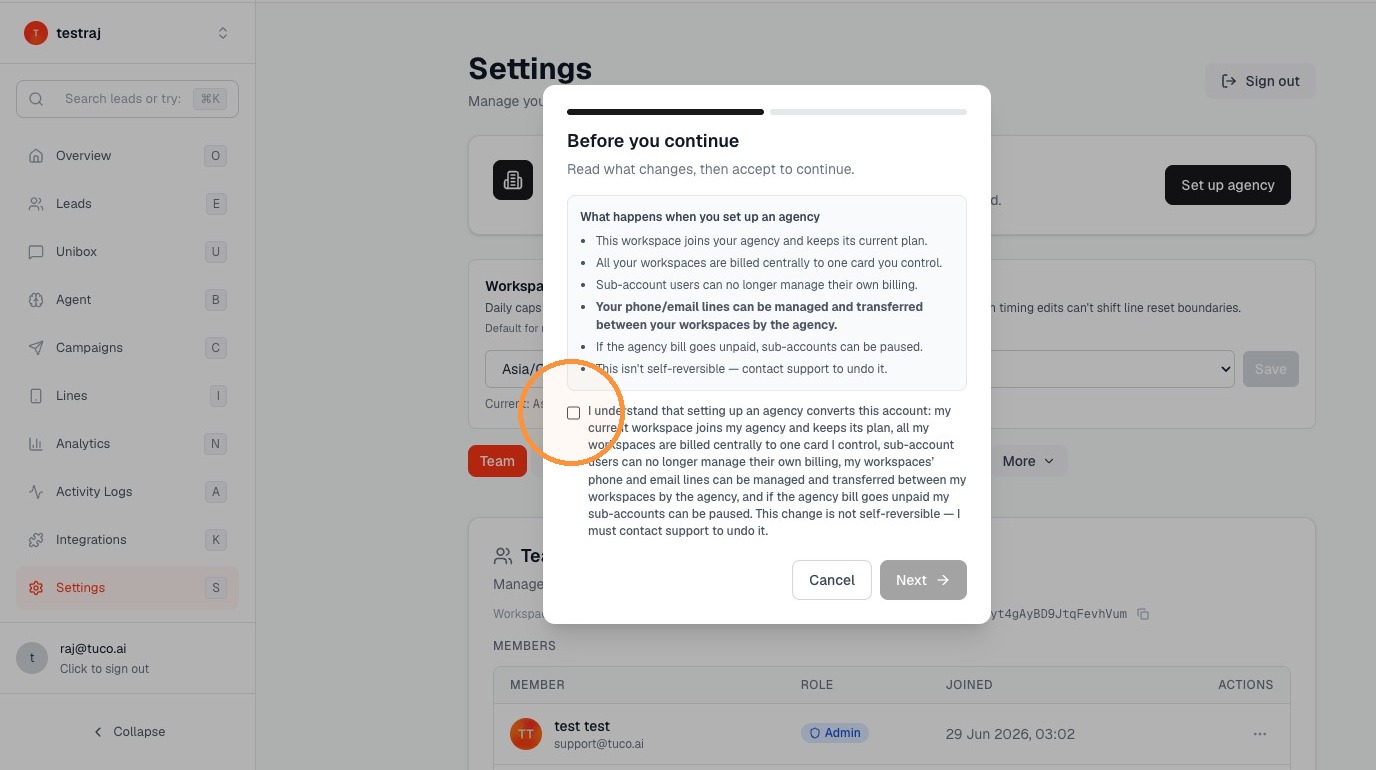
- Click "Next"
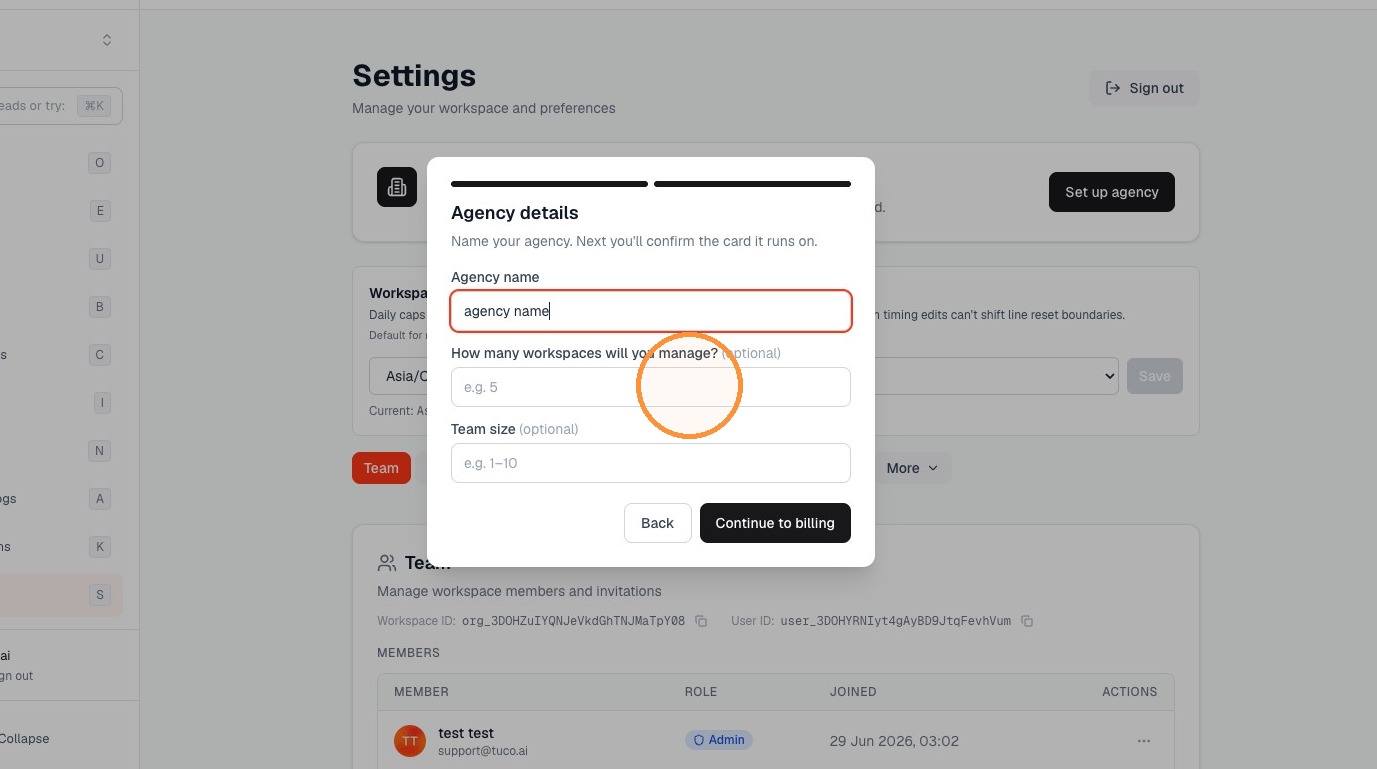
Agency Details Entry
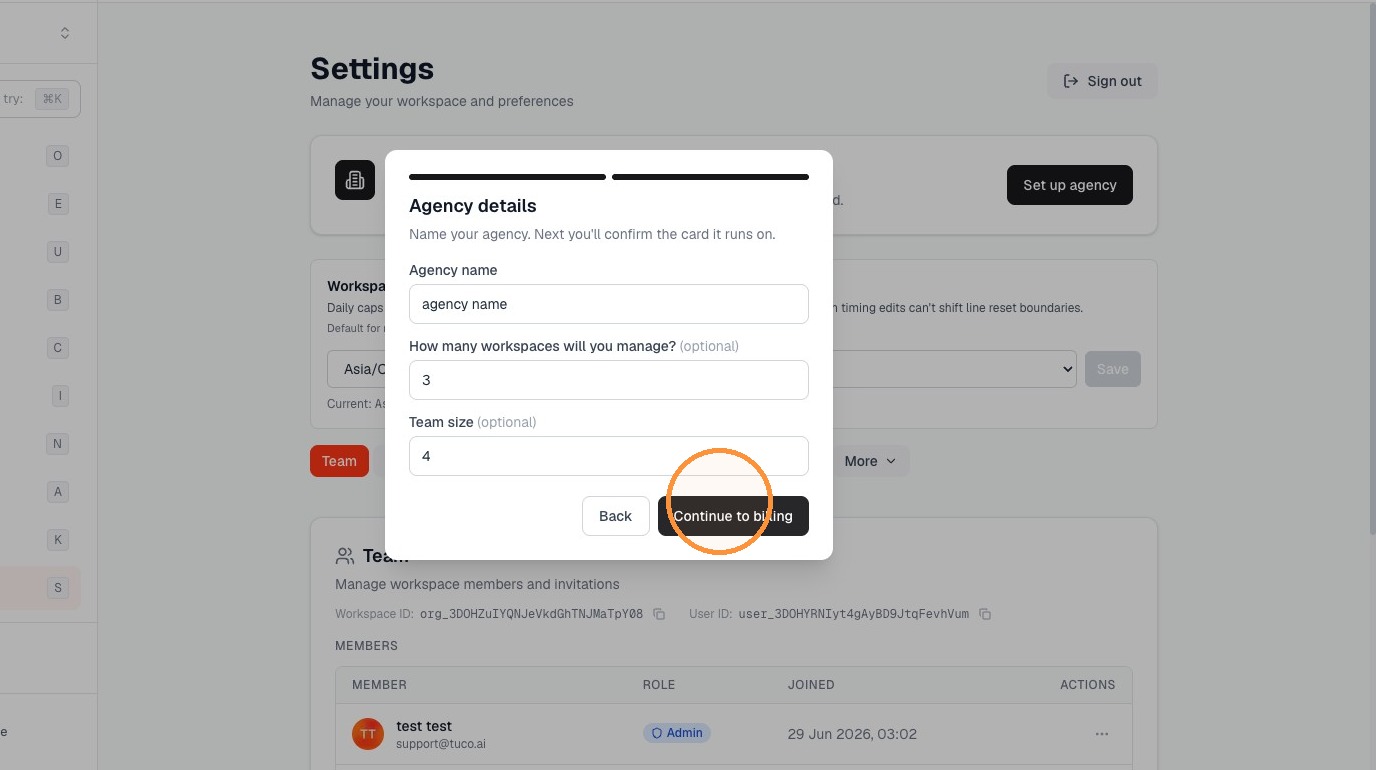
- Fill up the basic details.
- Click "Continue to billing" add your card for agency billing and done.
Made by Tuco Support with Scribe
Learn how to transition your workspace into an agency account to centralize billing and management across your sub-accounts. This guide outlines the necessary steps to configure your agency details and payment settings efficiently.
Updated on: 14/07/2026
Thank you!