How to buy a dedicated phone number to send iMessage using Tuco AI?
How to Provision a Dedicated iMessage Phone Line for your workspace inside agency.
Made by Tuco Support with Scribe
Follow this guide to set up and order a new dedicated iMessage phone line within your agency workspace. You will learn how to configure your contact details and finalize the provisioning process to ensure your account is ready for messaging.
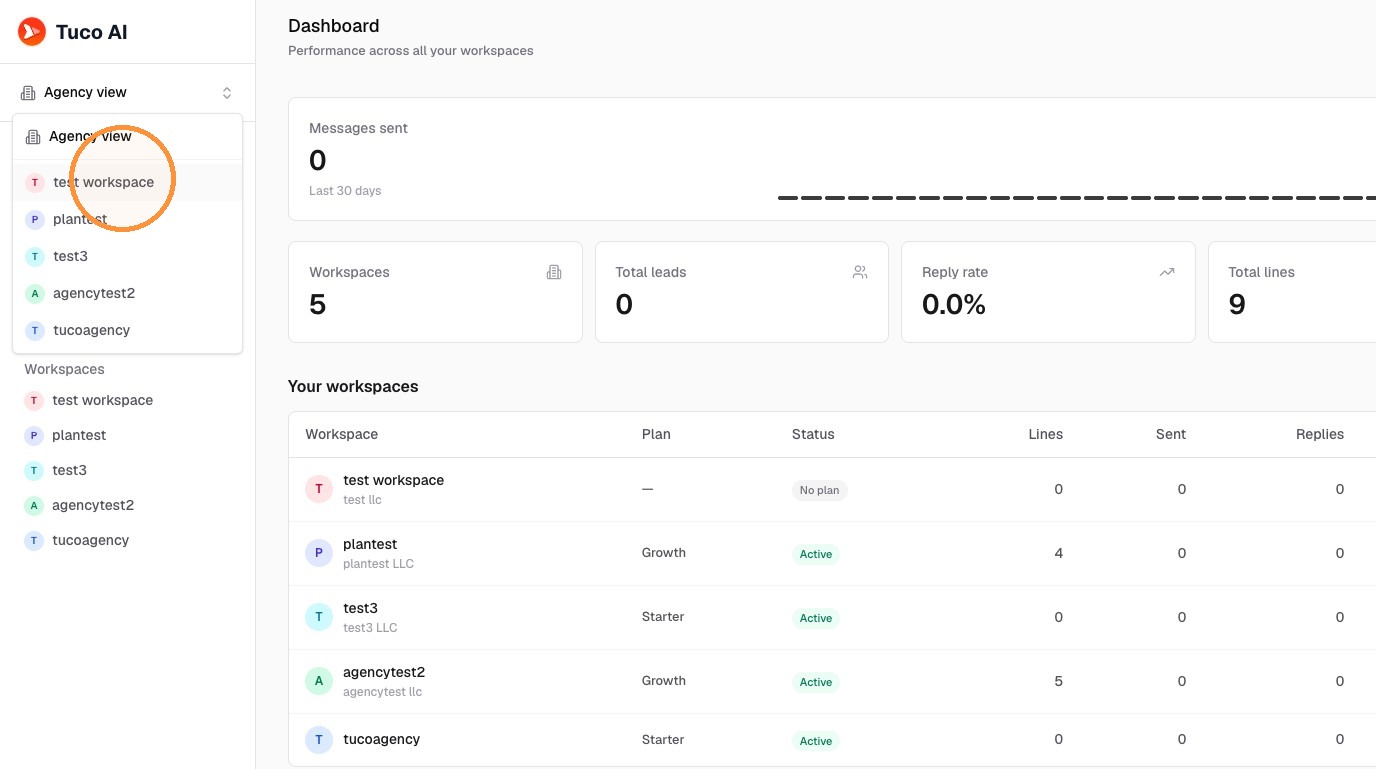
Workspace Access
- Select the desired workspace.
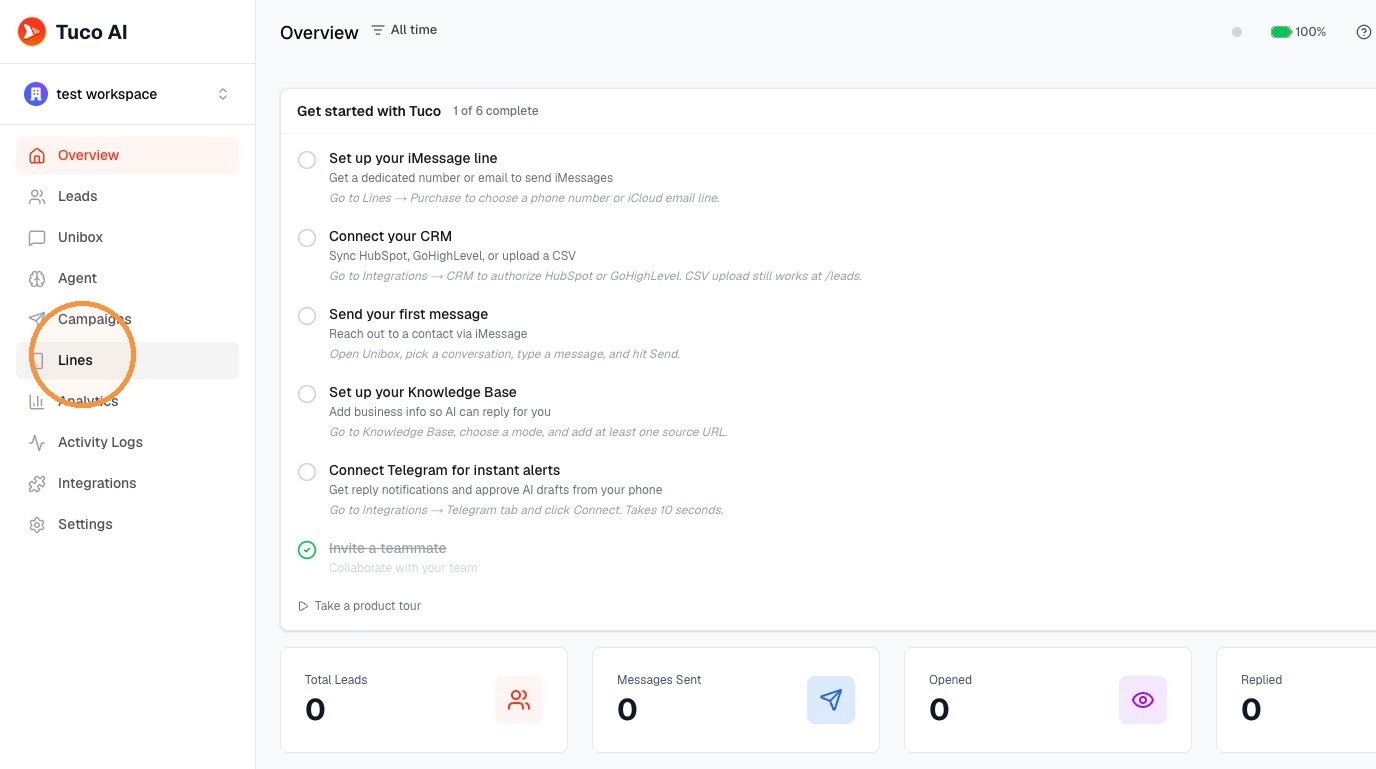
Line Management
- Click "Lines"
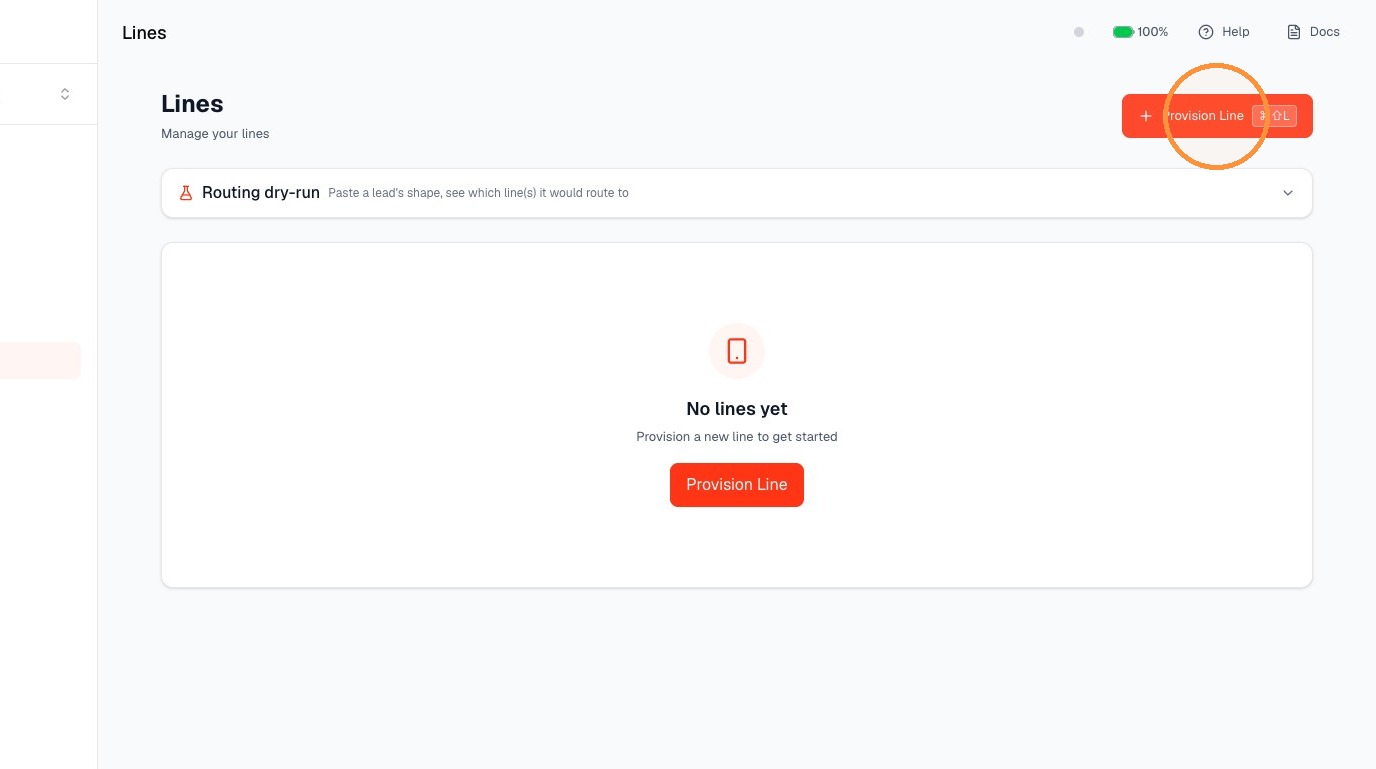
- Click "Provision Line"
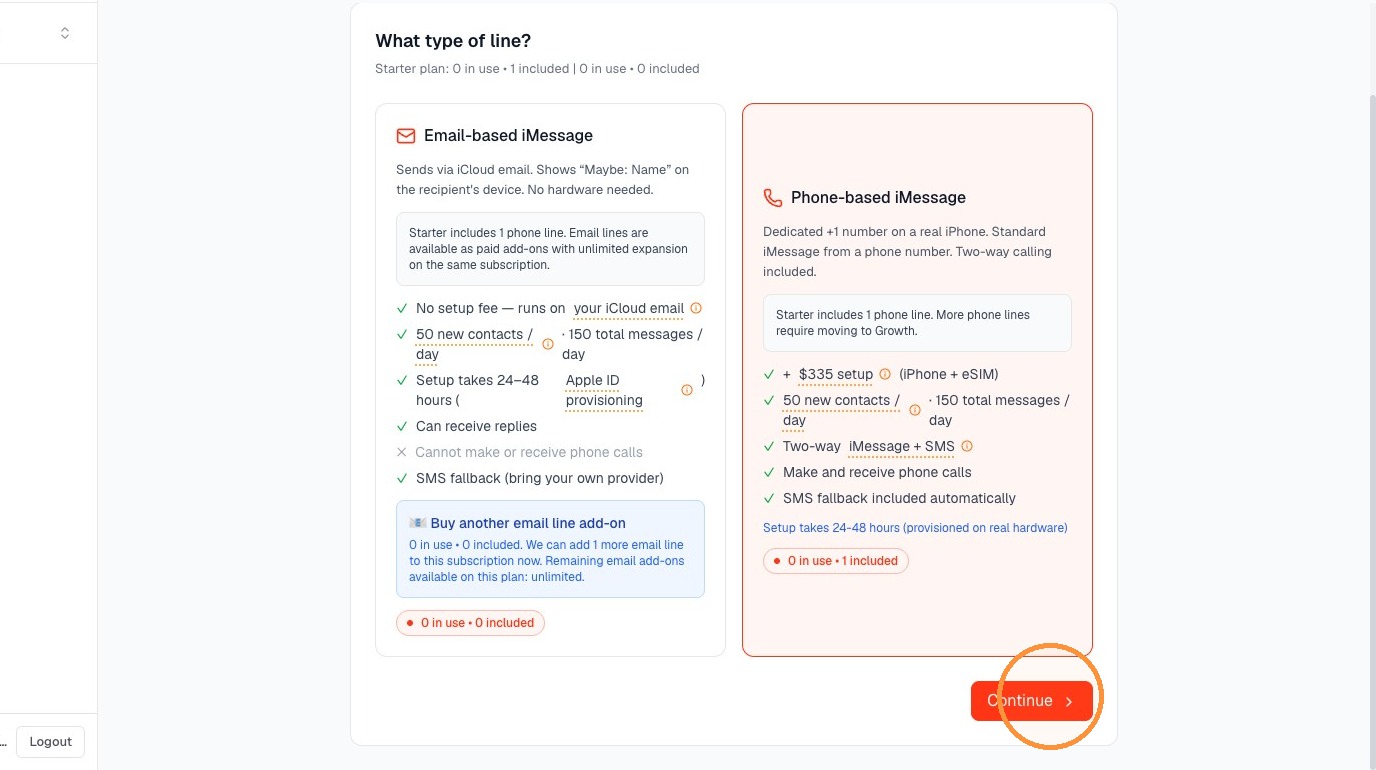
- Select the type of line you want to provision.
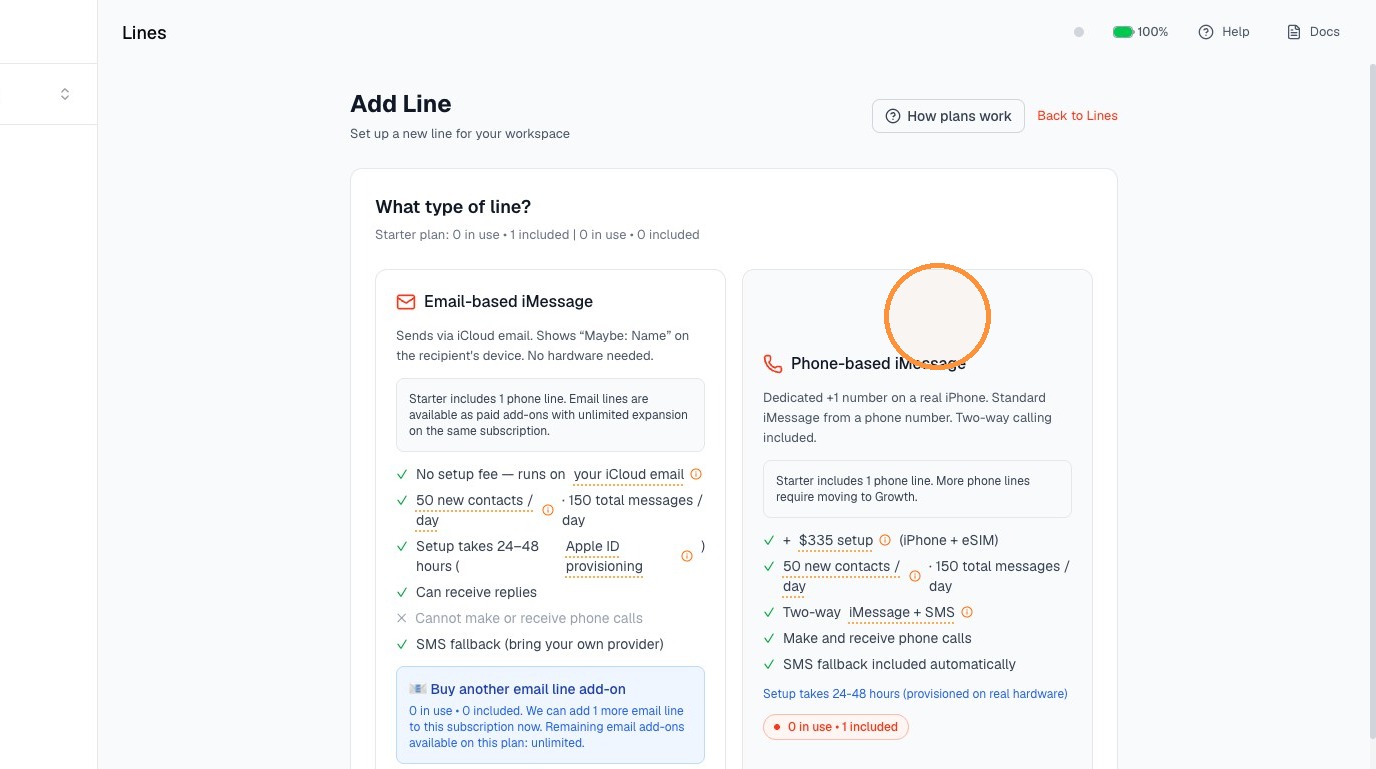
- Click "Continue"
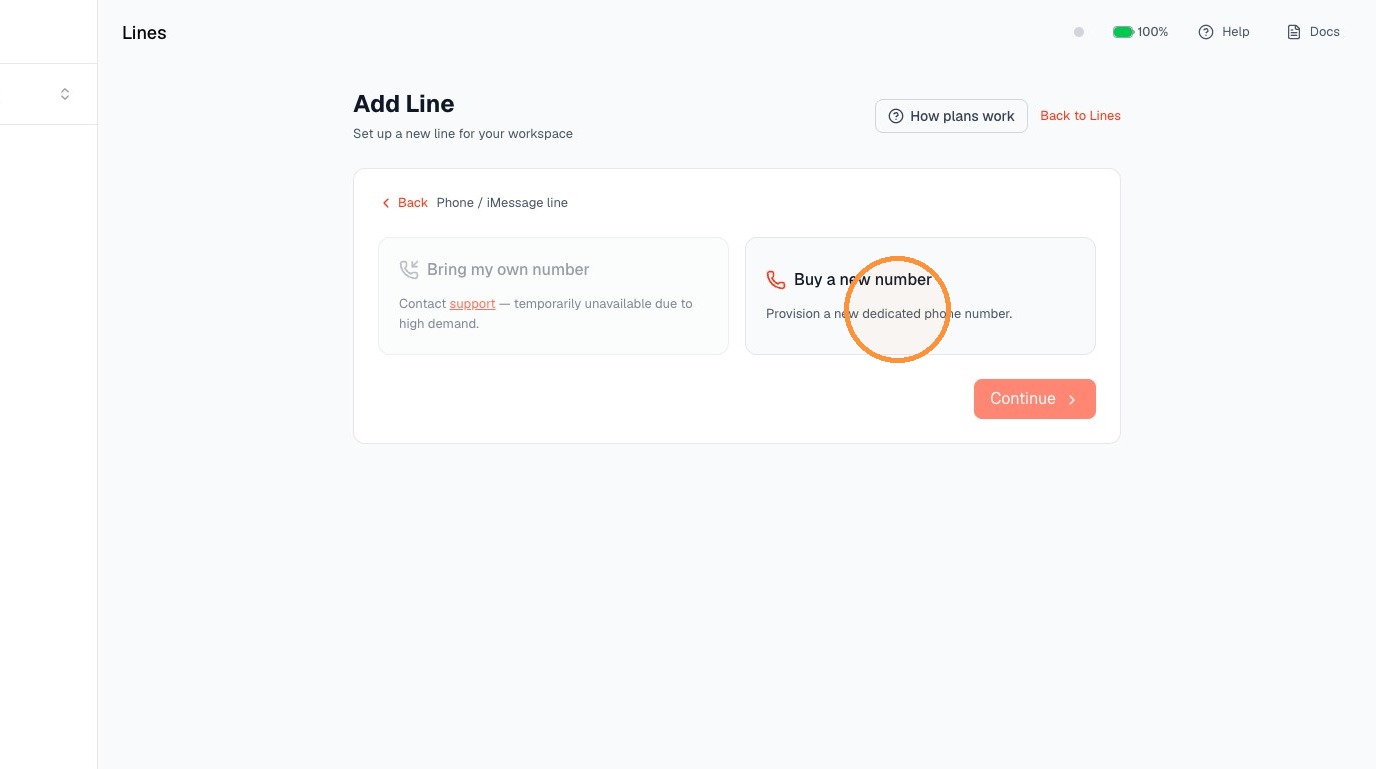
- . Select the 'Buy a new number' option.
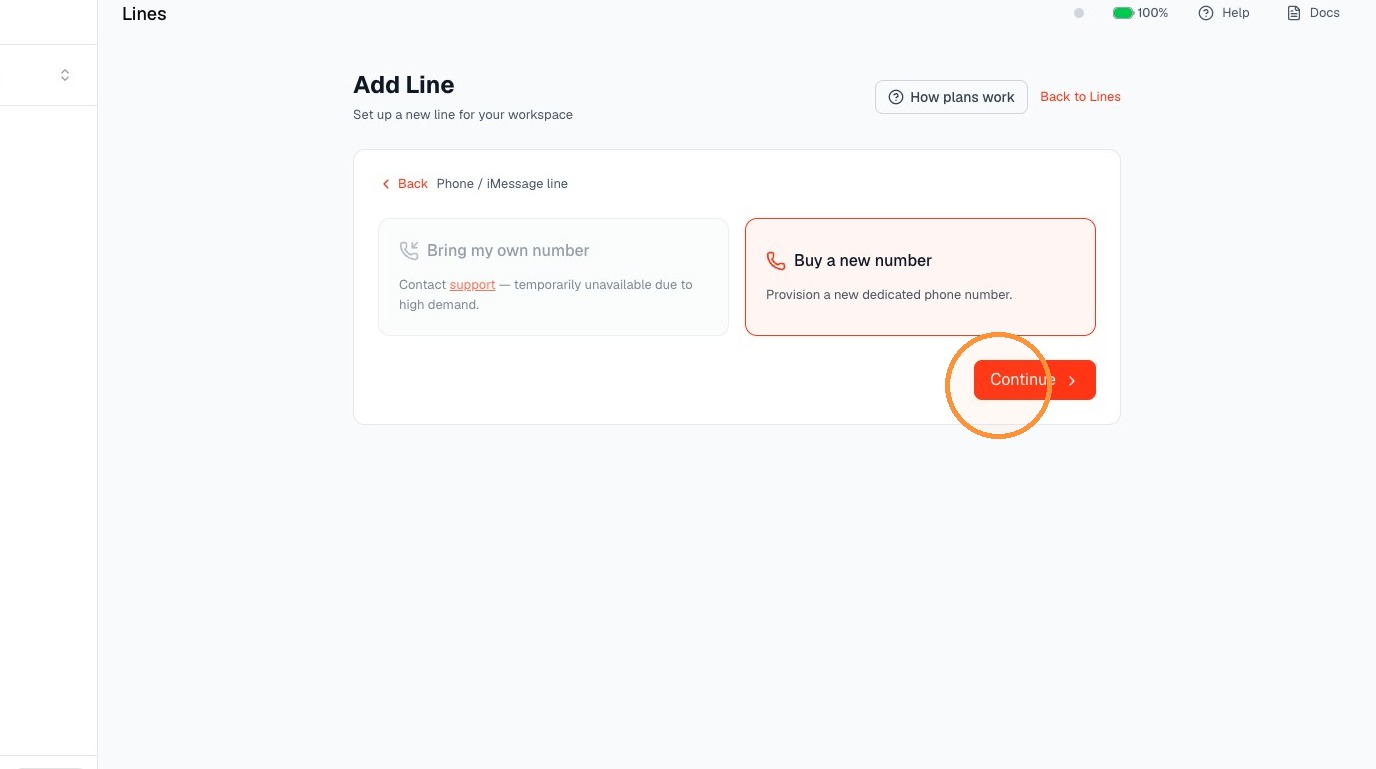
- Click "Continue"
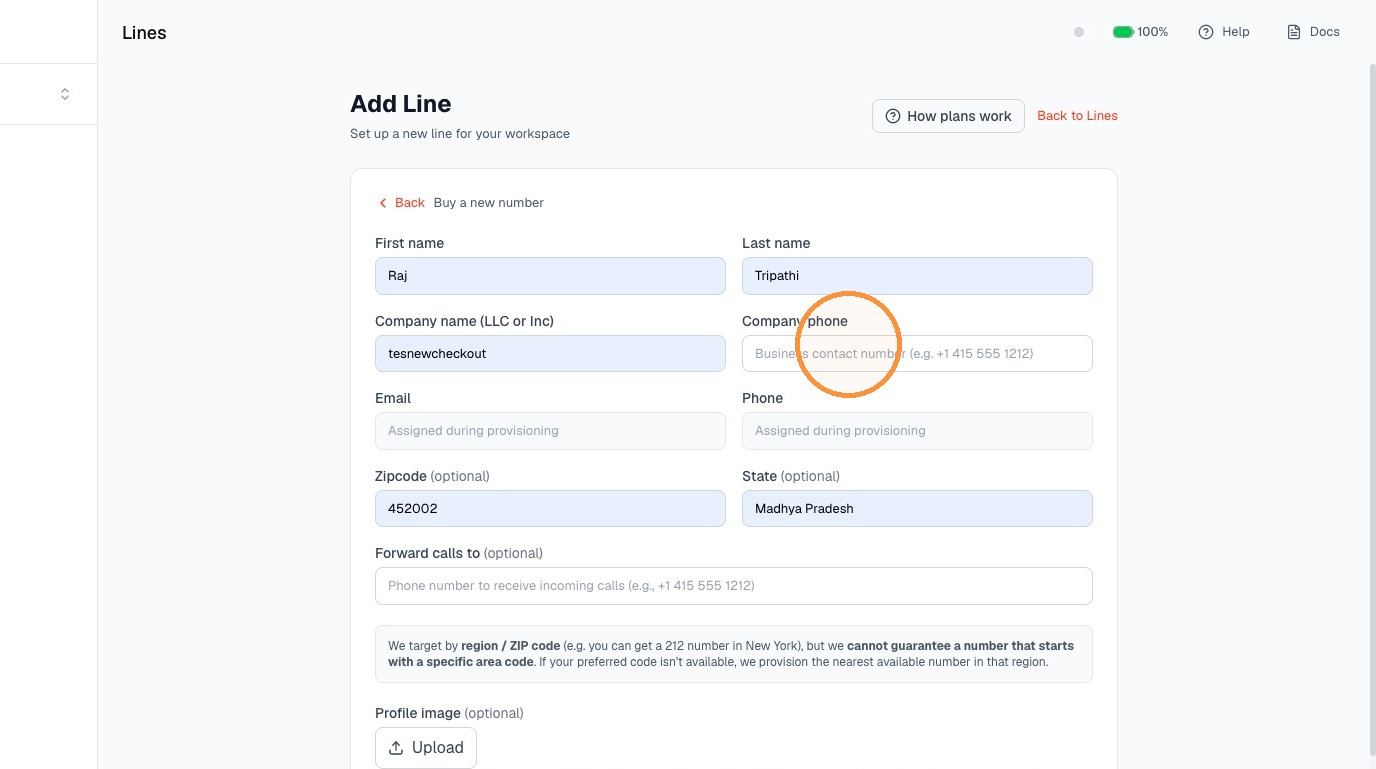
Account Information
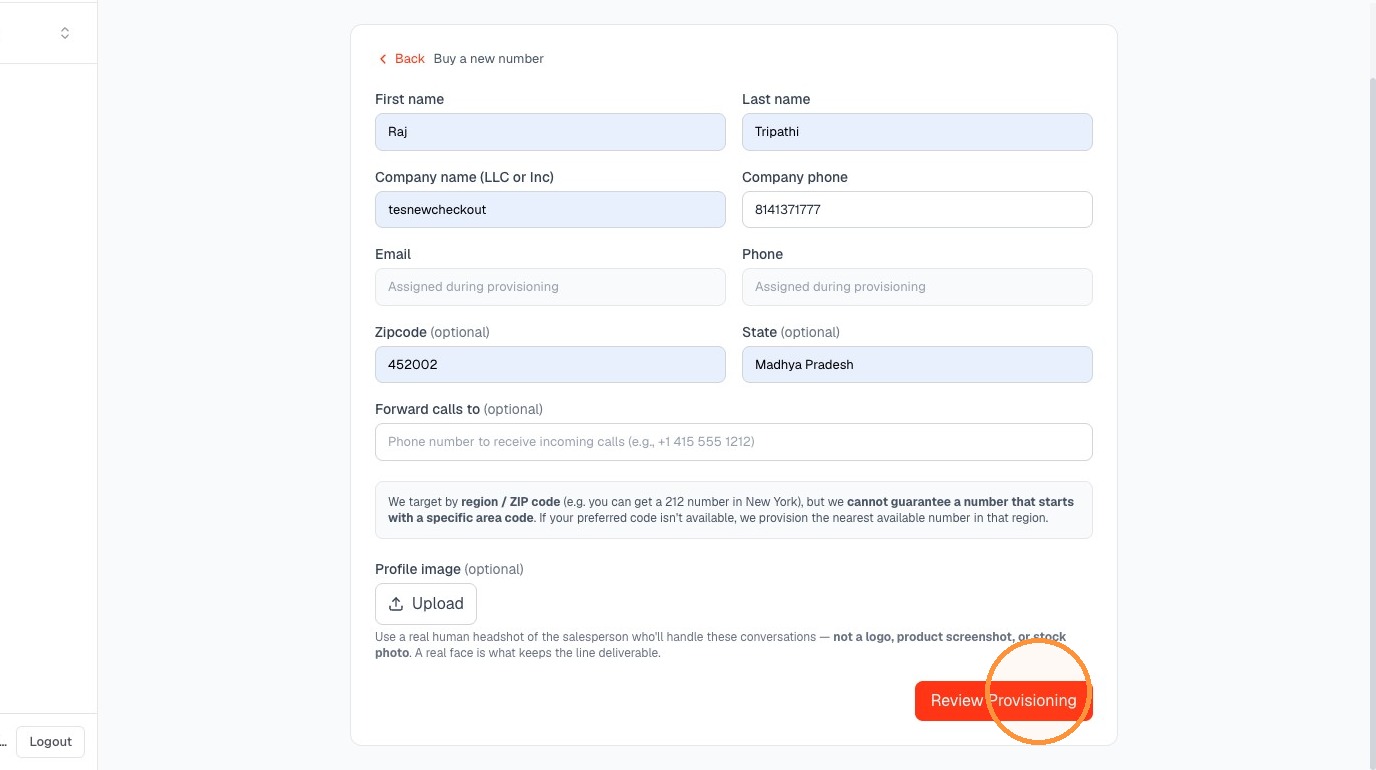
- Enter the basic details. (the company number is used for kyc purpose this wont be used as line number)
Review and Submission
- Click "Review Provisioning"
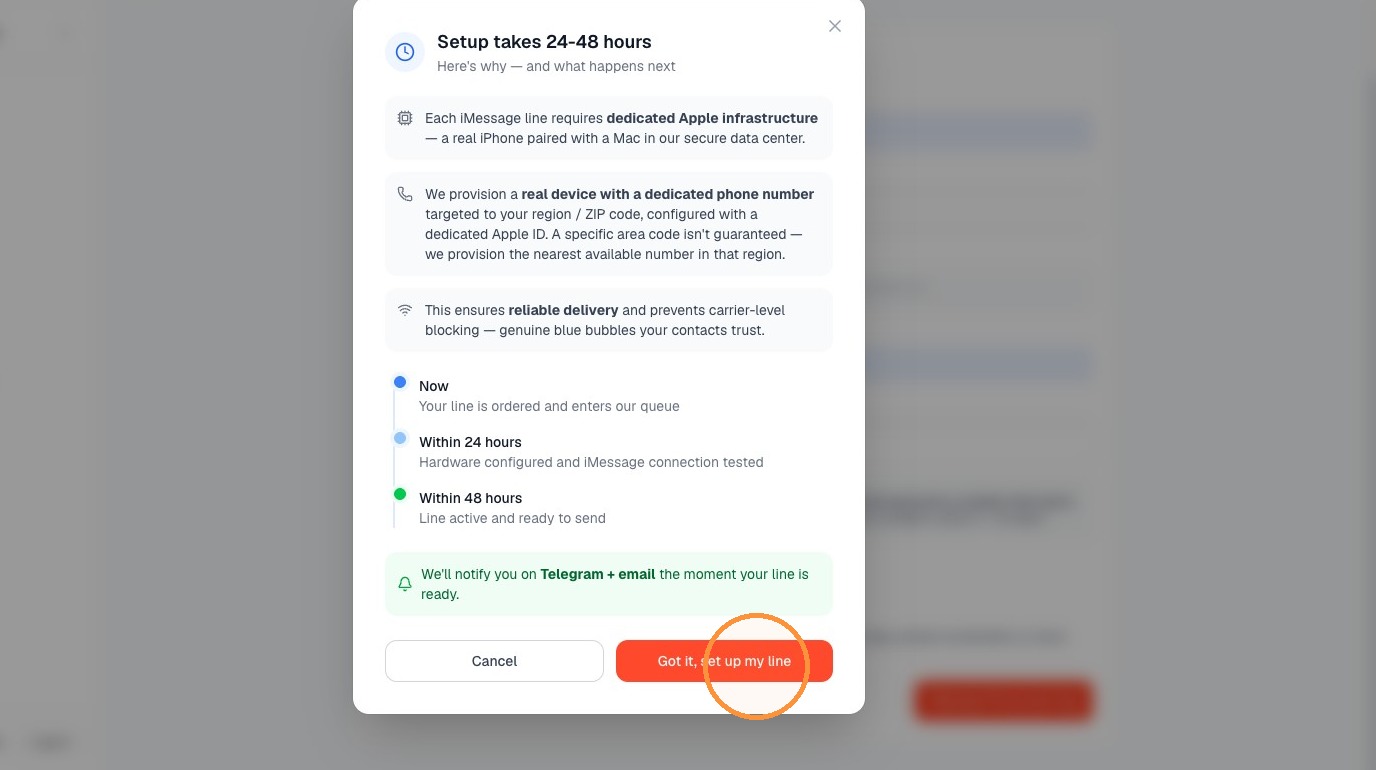
- . Click "Got it, set up my line"
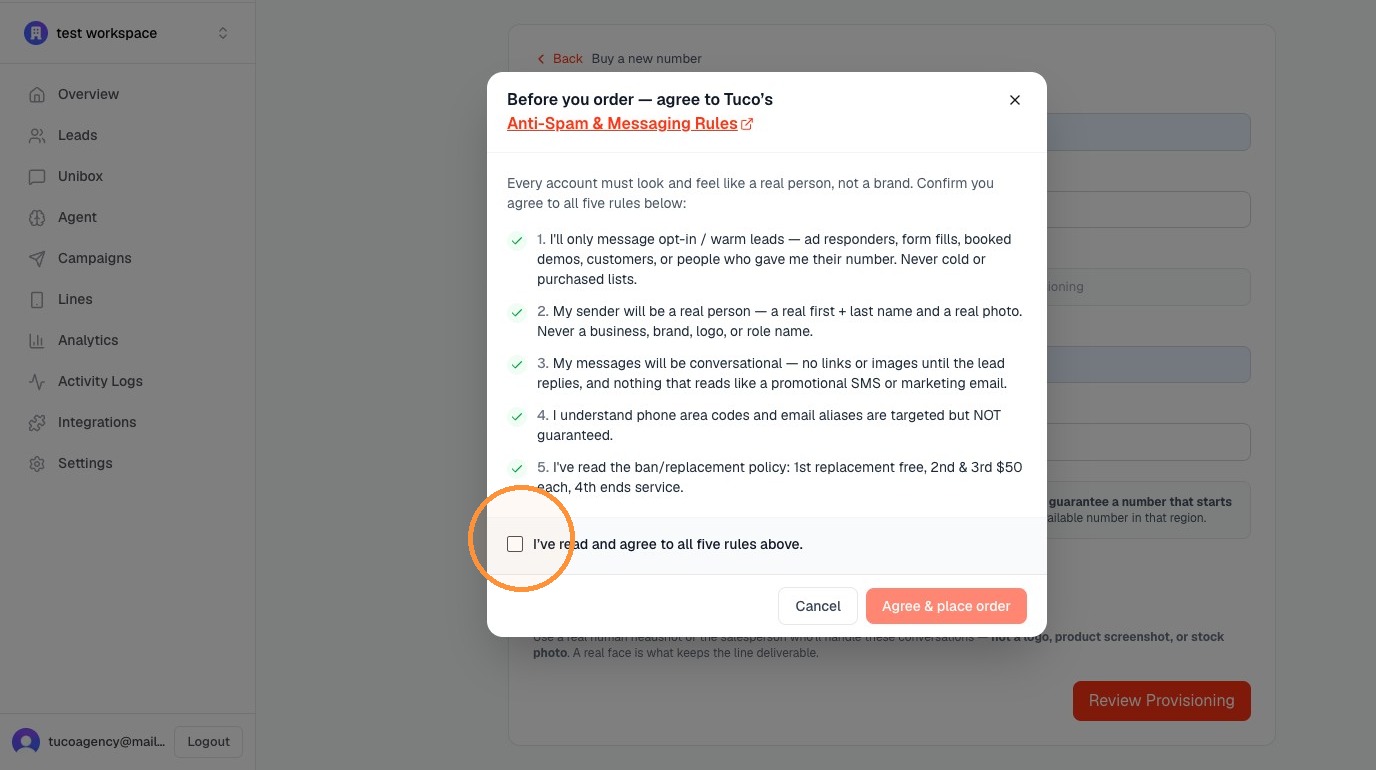
- Check the box to agree to the Anti-Spam & Messaging Rules.
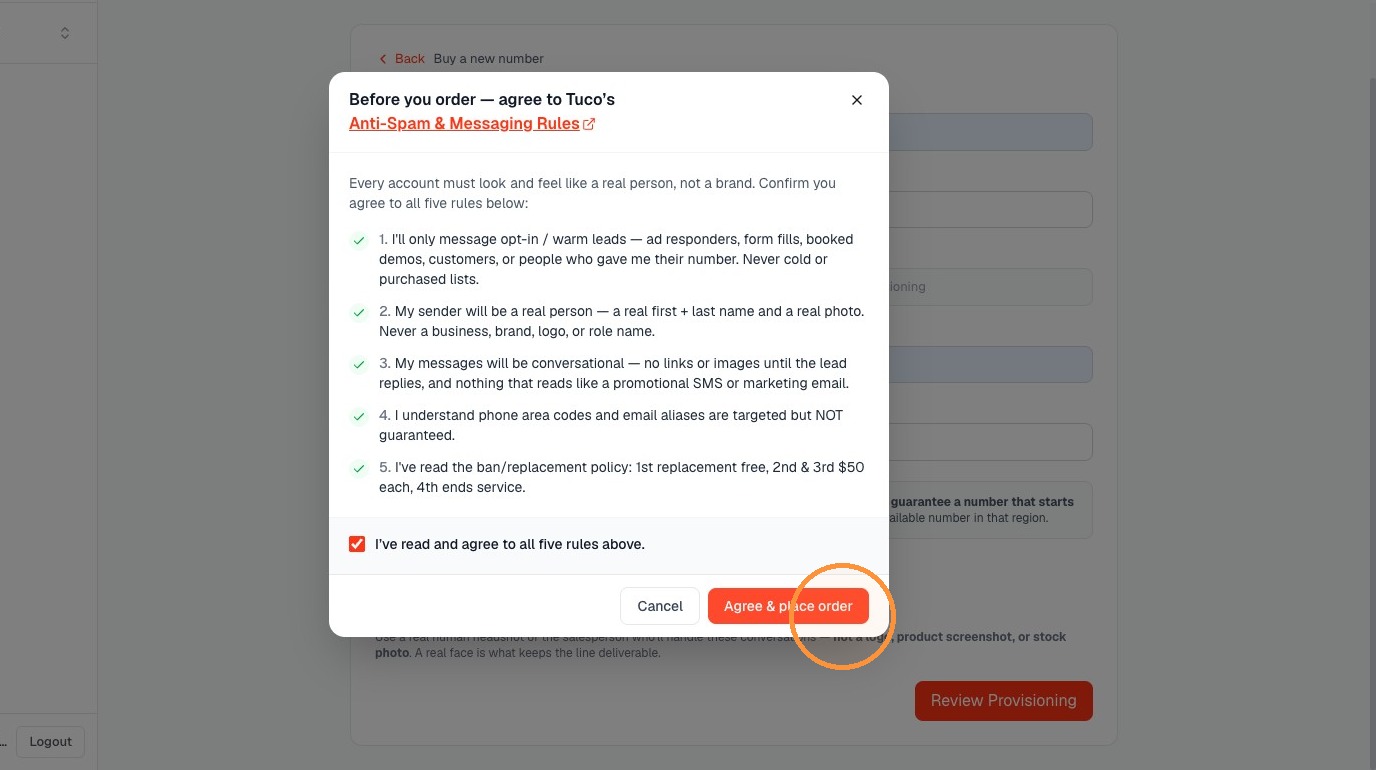
- Click "Agree & place order". 🎉 congrats you have provisioned the number inside your agency workspace.
Made with Scribe
Updated on: 14/07/2026
Thank you!